

Your phone camera is smarter than you think.
Point it at a plant. Tap one button. Get an instant answer with the species name, origin, care instructions, and even toxicity warnings.
This is not science fiction. It is how millions of people around the world identify plants every single day without spending a cent.
But most people do it wrong. They get blurry results, wrong matches, or miss features that could save them hours of research.
This guide shows you exactly how to turn your phone into the most powerful plant identification tool ever created. Step by step. No fluff.
The Science Behind Phone-Based Plant Identification
Your phone does not actually “know” plants.
What it does is compare your photo against a massive database of labeled plant images using convolutional neural networks, a type of AI designed specifically for image recognition.
These networks have been trained on tens of millions of plant photos. They analyze:
- Leaf shape and margin patterns
- Flower petal count and arrangement
- Color gradients and texture
- Vein structure
- Bark patterns
- Fruit and seed morphology
The AI assigns a confidence score to each match. The higher the score, the more certain the identification.
Modern apps achieve over 90 percent accuracy on their top suggestion for common species. That is better than most amateur botanists.
Step-by-Step: How to Identify Any Plant With Your Phone
Follow this exact process for the best results every time.
Step 1: Choose the Right App
Not every camera app does plant identification well. You need a dedicated tool.
Top choices:
- PlantNet for scientific accuracy
- PictureThis for all-around performance
- Seek by iNaturalist for offline and family use
Step 2: Get the Right Angle
This is where most people fail.
Do not photograph the entire plant from far away. Get close. Fill 80 percent of your screen with the key feature.
Best features to photograph by plant type:
- Flowering plants: the flower, always the flower first
- Trees: a single leaf held against a plain background
- Succulents: the rosette pattern from directly above
- Vines: the leaf and any tendrils or attachments
- Grasses: the seed head or flower spike
Step 3: Check the Lighting
Natural daylight is essential. Flash creates harsh shadows and washes out color, which confuses the AI.
If you are indoors, move the plant near a window. If you are outdoors, avoid direct midday sun that creates strong contrast.
Overcast days are actually ideal. Even, diffused light shows the most detail.
Step 4: Take Multiple Photos
Do not rely on one shot.
Take photos of:
- The flower or bloom
- A single mature leaf (front and back)
- The stem
- The overall growth habit
- Any fruit or seeds
Upload the clearest one first. If the result seems uncertain, try a different plant part.
Step 5: Verify the Result
No app is perfect 100 percent of the time.
Cross-check your result by:
- Reading the species description the app provides
- Comparing your plant to the reference photos
- Checking a second app for confirmation
- Searching the species name on Wikipedia or a botanical database
For anything related to edibility or toxicity, never rely on a single app identification.
Advanced Techniques Most People Never Try
Once you master the basics, these techniques take your identification game to another level.
Use the Bark Scanner
Several apps including PictureThis now support bark identification. This is critical during winter when deciduous trees have no leaves.
Take a close-up of the bark texture. The AI can identify species from bark patterns alone with surprisingly high accuracy.
Get Your Plant Identifier Now
Turn your phone into an instant botanical expert
One photo. One tap. Every plant identified.


Try the Disease Scanner
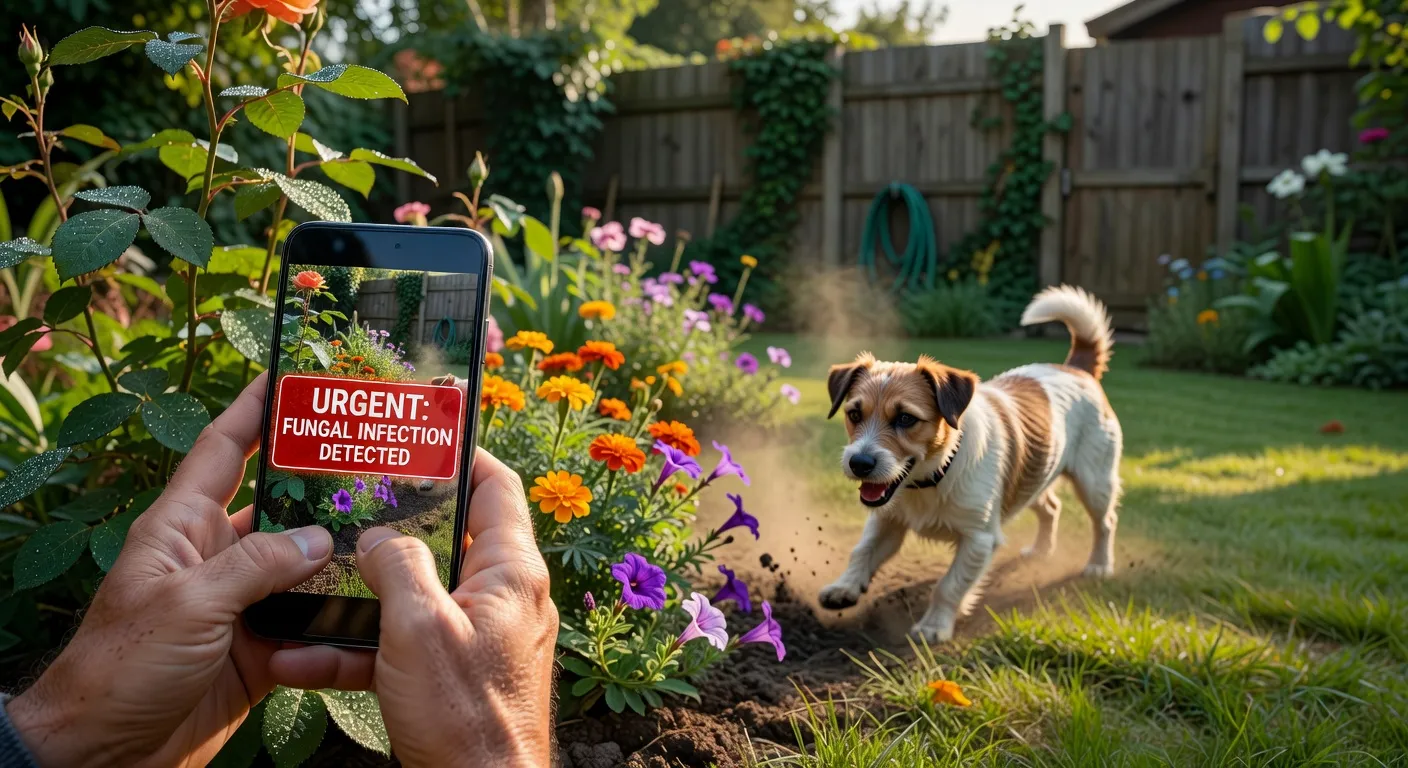
Yellow spots? Curling leaves? Brown edges?
Apps like PictureThis and Plantix can diagnose plant diseases and nutrient deficiencies from a single photo.
This feature alone can save a garden full of plants if you catch the problem early.
Build a Plant Journal
Both iNaturalist and PictureThis let you save every identification into a personal collection.
Over time, this becomes your own field guide. You can track what grows in your area, monitor seasonal changes, and share your discoveries with others.
Common Mistakes That Ruin Your Plant ID Results
Avoid these and your accuracy jumps immediately.
| Mistake | Why It Fails | Fix |
|---|---|---|
| Photographing from too far | AI cannot detect leaf details | Get within 15cm of the feature |
| Using flash | Washes out natural color and texture | Use daylight only |
| Blurry photos | AI cannot match undefined patterns | Tap to focus, hold steady |
| Photographing dead or wilted parts | Distorted features mislead the AI | Choose the healthiest specimen |
| Including multiple species in one shot | AI cannot isolate the target plant | Frame one species at a time |
| Shooting in deep shade | Low contrast reduces pattern visibility | Move to brighter location |
| Only photographing leaves | Some species need flowers for accurate ID | Photograph multiple plant parts |
Real World Uses You Have Not Considered
Plant identification apps are not just for gardeners.
Hikers and trail runners use them to identify poisonous plants along paths before touching anything.
Real estate agents use them to list property landscaping details accurately.
Teachers use them for outdoor science lessons that get students away from textbooks.
Allergists recommend them to patients who need to identify pollen sources around their homes.
Pet owners use them to check every new plant before bringing it into a house with cats or dogs.
The use cases keep expanding because the technology keeps improving.
Try Seek for Free
Perfect for families. Works offline. No account needed.
Backed by National Geographic and real scientists.
What Is Coming Next for Plant ID Technology
The next generation of plant identification is already in development.
Here is what to expect:
- Real-time video scanning that identifies plants as you walk, without pressing any button
- Augmented reality overlays that show plant names floating above them through your camera view
- Soil analysis integration connecting plant identification with soil testing kits
- Predictive care AI that tells you when your plant will need water based on weather data and species requirements
- Sound-based identification using the sound of rustling leaves to narrow species matches
This technology is moving fast. The apps you download today will be dramatically more powerful within a year.
Comparing Identification Methods: App vs Traditional
Gráfico Explicativo
Título do gráfico: Time to Accurate Plant Identification: App vs Field Guide vs Expert Consultation
Tipo de gráfico: Grouped bar chart with three categories
O que ele compara: Average time in minutes to reach an accurate identification using three methods: a plant identifier app, a printed field guide, and consulting a botanist or expert forum
Dados representados:
- Plant identifier app: 0.1 minutes (6 seconds average)
- Printed field guide: 12 minutes average
- Expert forum or consultation: 240 minutes (4 hours to days)
Insight principal: Apps deliver results 120 times faster than field guides and over 2,000 times faster than waiting for expert input. However, expert verification remains the gold standard for rare species and critical decisions.
Utilidade para o leitor: Helps readers understand the trade-off between speed and certainty, and when each method is most appropriate.
FAQ
What is the most accurate free plant identifier app?
PlantNet consistently ranks as the most accurate free option. It is developed by research institutions and covers over 40,000 species with no premium tier.
Can I identify a plant from just a leaf?
Yes. Most apps support leaf-only identification. For best results, photograph a single mature leaf against a plain background, showing both shape and vein pattern.
Do plant identifier apps work in winter when trees have no leaves?
Some apps like PictureThis support bark identification. You can also photograph buds, remaining fruits, or seed pods for identification during dormant seasons.
Is it safe to eat a plant that an app identifies as edible?
No. Never eat a wild plant based solely on an app identification. Always verify with at least two additional sources and ideally consult a local expert. Misidentification can be fatal.
Can these apps identify houseplants from big box stores?
Yes. Common houseplants are among the most accurately identified species because they appear frequently in training datasets. Accuracy for these types often exceeds 97 percent.
How many photos should I take for the best result?
Take at least three: one of the flower or most distinctive feature, one of a single leaf, and one showing the overall plant shape. Use the clearest for the initial scan.
Do I need WiFi to use a plant identifier app?
Most apps require an internet connection. Seek by iNaturalist offers offline mode for common species. PlantNet allows limited offline use if you pre-download regional flora packs.
Why does the app sometimes give wrong results?
Wrong results usually come from poor photo quality, unusual angles, damaged specimens, or species that closely resemble each other. Better photos almost always fix the problem.
