

Here is a fact most people ignore.
You do not need to spend money to find out if your old coins are worth money.
There are free apps right now that let you point your phone camera at any coin and get an instant identification. Origin. Year. Metal type. Estimated market value.
No subscription. No hidden fees. No coin dealer appointment.
The technology exists. It is sitting in the app store waiting for you. And the only thing standing between you and a potential discovery is a single download.
Some of the most valuable coin finds in recent years started exactly like this. Someone curious. A free app. A coin that turned out to be worth more than their monthly rent.
Your collection could be next. But only if you actually check.
Why Free Coin Apps Changed Everything
Before these apps existed, identifying a coin meant one of three things.
- Pay a dealer or appraiser
- Spend hours searching catalogs and websites
- Guess and hope for the best
Most people chose option three. They guessed. And they lost.
Free coin identification apps removed every barrier. Now anyone with a smartphone can access the same databases that professional numismatists use.
The playing field is level. The only advantage left is actually using the tool.
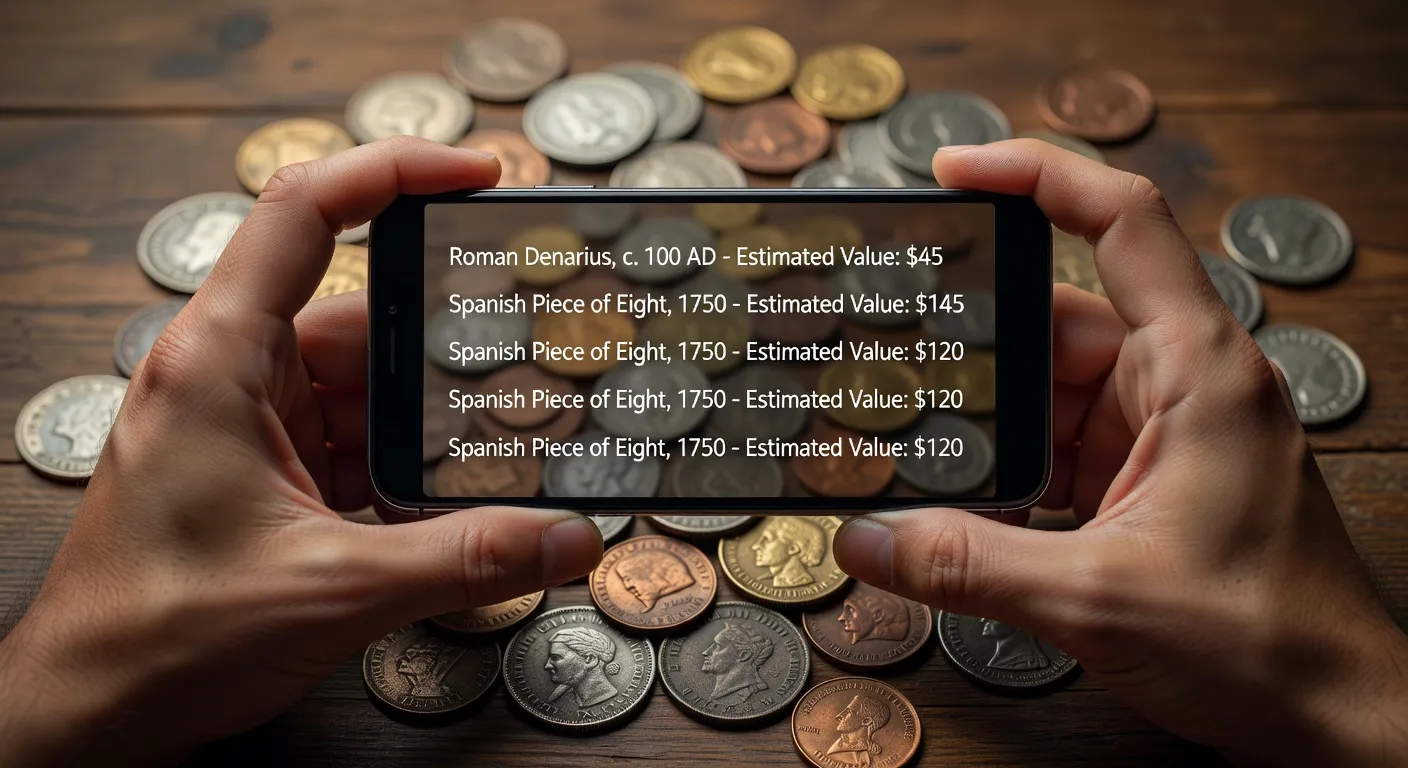
Who Benefits Most from Free Coin Apps
- Beginners who inherited a coin collection
- Garage sale and flea market hunters
- People cleaning out old homes
- Travelers who find foreign coins
- Curious collectors who want quick answers
If any of these describe you, a free coin app is not optional. It is essential.
The Best Free Coin Identifier Apps Available Now
Not all free apps are equal. Some give you basic identification. Others provide surprisingly deep data without charging a cent.
Here are the top options.
Coinoscope (Free Version)
Coinoscope offers free visual recognition for a wide range of coins. Snap a photo and the app scans its database for a match.
The free tier limits daily scans but provides enough for casual use. It covers coins from over 40 countries.
Best for: Quick visual identification of unknown coins.
Google Lens
This one surprises people. Google Lens is not a coin-specific app, but it works remarkably well for coin identification.
Point it at a coin. It pulls up matching images, Wikipedia entries, and marketplace listings. You can often determine the coin type, year, and approximate value within seconds.
Best for: Instant identification using a tool you probably already have.
Coin Identifier – Coin Scanner (Free Tier)
Coin Identifier provides free basic scans with AI-powered recognition. The free version includes limited scans per day and access to the identification database.
Best for: Users who want a dedicated coin app without paying upfront.
Numista
Numista is a free online coin catalog with a massive community-driven database. While it is primarily a website, its mobile version works smoothly.
You search manually by country, denomination, or year. The community provides valuations, swap opportunities, and detailed coin histories.
Best for: Deep research after initial app identification.
Download Your Free Coin Scanner
Coinoscope is free. Your first scan could reveal something incredible.


Free vs Paid Coin Apps — What You Actually Get
The burning question. Is free good enough?
For most people, yes. Here is a clear breakdown.
What Free Versions Include
- Basic coin image recognition
- Country and year identification
- General rarity classification
- Community forums and databases
- Limited daily scans
What Paid Versions Add
- Unlimited scans
- Detailed market value estimates
- Auction price history
- Condition grading assistance
- Export and portfolio tracking
- Ad-free experience
If you are just starting out or checking a handful of coins, free is more than enough. Upgrade only when you have a large collection or find something potentially high-value.
How to Get the Most Out of Free Coin Apps
Free does not mean limited if you use it smartly.
Here are proven tips to maximize your free experience.
- Use Google Lens first for a quick preliminary check
- Follow up with Coinoscope for detailed identification
- Cross-reference on Numista for community valuations
- Scan both sides of every coin
- Use natural daylight for the clearest images
- Keep coins on a matte black surface for best contrast
- Save screenshots of results for your records
Combining multiple free tools gives you results that rival paid services.
Bloco de Download Estratégico
Titulo chamativo: Your Free Coin Identifier Is One Tap Away
Subtitulo persuasivo: No credit card. No subscription. Just answers about your coins.
Frase curta de reforço: Scan. Identify. Discover value. All free.
Botão Google Play: Download on Google Play
Botão Apple App Store: Download on App Store
Instrução de imagem clicável: Display a clean banner showing a phone screen with a coin scan result and the word “FREE” in a badge overlay. Each store button should be a clickable image leading to the respective download page.
Free Coin App Comparison Table
| App | Platform | Cost | Scan Limit (Free) | Database Size | Best Feature |
|---|---|---|---|---|---|
| Coinoscope | Android, iOS | Free / Premium | 3-5 per day | 300,000+ coins | Visual AI recognition |
| Google Lens | Android, iOS | Free | Unlimited | Web-wide | No install needed |
| Coin Identifier | Android, iOS | Free / Premium | 2-3 per day | 250,000+ coins | Detailed coin history |
| Numista | Web, Mobile Web | Free | Unlimited | 400,000+ coins | Community valuations |
| CoinSnap | Android, iOS | Free / Premium | 3 per day | 100,000+ coins | Fast scan speed |
Graph Description — Free vs Paid App User Satisfaction
Title: User Satisfaction Scores: Free vs Paid Coin Identifier Apps (2024 Survey)
Type: Horizontal bar chart with two bars per category
What it compares: User satisfaction ratings across five categories — accuracy, speed, database coverage, ease of use, and overall value — for free versus paid versions of the top coin identifier apps.
Key insight: Free versions scored within 15 percent of paid versions in accuracy and ease of use. The biggest gap appeared in database coverage and auction history, where paid versions scored 35 percent higher.
Utility for the reader: Helps users decide whether upgrading is worthwhile based on what matters most to them. For casual users, free versions deliver strong satisfaction.
Common Mistakes When Using Free Coin Apps
Avoid these errors that lead to bad results.
- Scanning in dim light or with flash glare
- Using a patterned or reflective surface
- Only scanning one side of the coin
- Ignoring the condition factor in valuation
- Trusting a single app result without cross-referencing
- Cleaning coins aggressively before scanning (this destroys value)
Every mistake is avoidable. Every mistake costs you accuracy.
Never Overpay for Coin Appraisals Again
Free tools do the job. Get Coin Identifier on your phone right now.
When Free Is Not Enough
There are specific situations where upgrading makes sense.
- You found a coin potentially worth over 500 dollars
- You have a collection of 50 or more coins to scan
- You want auction history and recent sale prices
- You plan to sell and need certified grading references
- You are building a serious numismatic portfolio
In these cases, a premium subscription or professional grading service like PCGS or NGC becomes a smart investment.
But start free. Always start free. Let the app tell you if it is worth going further.
FAQ
Q: Are free coin identifier apps really accurate?
A: For common and moderately rare coins, yes. Free apps accurately identify the vast majority of coins. Extremely rare or unusual coins may require manual research or professional grading.
Q: Which free app is best for beginners?
A: Coinoscope for dedicated coin scanning or Google Lens for a quick no-install option. Both are free and beginner-friendly.
Q: Can I identify foreign coins with a free app?
A: Yes. Coinoscope and Numista cover coins from dozens of countries including historical currencies no longer in circulation.
Q: Do free coin apps show current market values?
A: Most show estimated value ranges based on recent sales data. For exact current pricing, check completed listings on eBay or auction records on PCGS.
Q: Is Google Lens good enough for coin identification?
A: It is surprisingly effective for initial identification. It pulls from the entire web, so it often finds matching coins quickly. For detailed valuation, pair it with a dedicated coin app.
Q: How many coins can I scan for free per day?
A: It varies by app. Coinoscope allows 3 to 5 free scans daily. Google Lens is unlimited. Coin Identifier offers 2 to 3 free scans.
Q: Will these apps work on older phones?
A: Most work on phones running Android 8.0 or iOS 13 and above. If your phone has a decent camera and internet connection, you should be fine.
