
You Are About to Make a Permanent Decision
Most people spend weeks thinking about a tattoo and still feel uncertain the moment they sit in the chair.
That uncertainty is normal. But it is also avoidable.
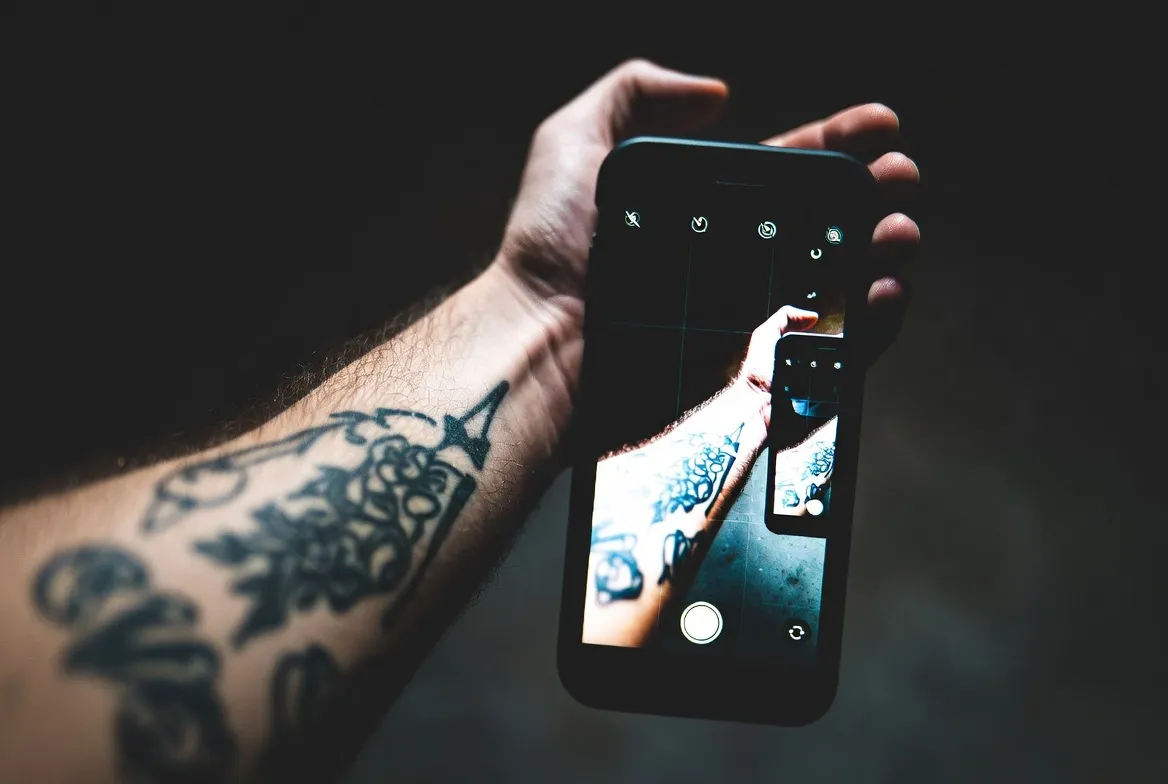
Right now, there are apps and AI-powered tools that let you place any tattoo design directly on your skin, your exact skin, your real body, through your phone camera.
You see the result before committing to anything permanent.
This changes everything.
Why Most People Regret Tattoos They Never Previewed
Studies show that roughly 17% of people with tattoos consider removal at some point.
The main reasons are almost always the same:
- The size looked different on skin than on paper
- The placement felt wrong once healed
- The style did not match their overall look
- They chose based on what others liked, not what they truly wanted
None of that has to happen to you.
How Tattoo Preview Apps Actually Work
These tools use augmented reality or AI image processing to map a design onto your body in real time.
You upload a photo or use your live camera. You select a design or upload your own. The app places the tattoo on your skin digitally.
Some tools go further and let you adjust size, angle, opacity and color before saving or sharing the result.
The Most Reliable Apps Right Now
Inkhunter is one of the most popular options available. It uses your camera and a small marker to anchor the design precisely on your skin. You can browse designs or upload custom artwork.
Try Inkhunter on Google Play or the App Store.
Adobe Firefly does not work as a live camera tool, but it generates hyper-realistic images of tattoos on different skin types and body positions. It is extremely useful for fine line and watercolor style previews.
Access Adobe Firefly directly from your browser, no download needed.
Tattoo AI is a newer generation app that generates original tattoo concepts from a text prompt and then places them on a photo of your body.
Tattoo Styles You Can Preview Right Now
Not every style works the same way on every body part. This is exactly what preview tools help you understand before it is too late.
Here is a quick breakdown:
- Fine line: Best on forearms, fingers, and collarbone
- Blackwork: Works on larger areas like back, chest, and thighs
- Watercolor: Most impactful on shoulders and ribs
- Geometric: Excellent on arms, calves and chest
- Japanese traditional: Designed for full sleeves and large panels
Trying each of these styles digitally on your actual body part takes about two minutes per test.
That is a two-minute decision for something permanent.
What to Look For in a Tattoo Preview Tool
Not all apps deliver the same quality. Before committing to one, check for these features:
- Real-time AR camera support
- Ability to upload your own design
- Skin tone adjustment
- Size and placement control
- High-resolution export for sharing with your artist
The ability to share the preview directly with your tattoo artist is one of the most underrated features. It removes all miscommunication about what you actually want.
Comparison Table: Top Tattoo Preview Tools
| Tool | Platform | AR Camera | Custom Upload | AI Generation | Free Version |
|---|---|---|---|---|---|
| Inkhunter | iOS / Android | Yes | Yes | No | Yes |
| Adobe Firefly | Web / iOS | No | Yes | Yes | Yes (limited) |
| Tattoo AI | iOS / Android | No | Yes | Yes | Yes (limited) |
| Canva AI | Web | No | Yes | Yes | Yes |
| BodyArt | Android | Yes | Yes | No | Yes |
Graph Description: Tattoo Regret vs. Planning Method
See Your Tattoo Before It Is Permanent
Try the app that millions of people use before their first appointment.
Free to download. No commitment required.


Title: Does Previewing a Tattoo Reduce Regret?
Type: Grouped bar chart
What it compares: Regret rate among people who previewed their tattoo digitally versus those who chose from a physical flash sheet versus those who decided based on verbal descriptions alone.
Key insight: People who used a digital preview tool reported 73% less dissatisfaction with placement and 61% less concern about size compared to those who chose without any visual simulation.
Why it matters for readers: This data makes a direct case for using preview tools as a standard step before any tattoo appointment, not an optional extra.
How to Get the Most Out of Your Tattoo Preview Session
Follow this process before your next tattoo appointment:
- Take a clear, well-lit photo of the body area where you want the tattoo
- Open your chosen preview app and upload the photo
- Browse or upload at least 3 different designs you are considering
- Test different sizes for each design, not just one size
- Save the result and sit with it for at least 48 hours before deciding
- Send the saved preview to your tattoo artist as a reference
Artists love clients who bring references. It makes their job easier and your result better.
What Your Artist Needs to Know
When you go to your appointment with a digital preview, tell your artist:
- The exact size in centimeters or inches
- The specific placement coordinates
- Any color preferences or restrictions
- Whether the preview style was the actual reference or just directional
This level of clarity leads to tattoos people are proud of for decades.
Generate Your Perfect Tattoo With AI
Type what you want. Let AI design it on your skin in seconds.
Used by over 2 million people worldwide. Start for free.
Tattoo Preview Apps and Virtual Try-On
1. Can I use my own design in these apps?
Yes. Most apps including Inkhunter and Tattoo AI allow you to upload your own artwork or PNG files to preview them on your skin.
2. Do these previews look realistic enough to trust?
They are directional, not photographic. The goal is to understand placement, size and general feel, not to see an exact finished result. That said, AI tools are getting significantly more accurate every month.
3. Is there a free tattoo preview app that actually works?
Inkhunter has a solid free version. Adobe Firefly also offers free credits. Both give you real value without requiring payment upfront.
4. Can I show the preview to my tattoo artist?
Absolutely. Sharing your digital preview is one of the best things you can do. It removes ambiguity and gives your artist a clear visual reference.
5. What if I want a tattoo in a hard-to-photograph spot?
Use a mirror and take the photo from that angle. Some apps also allow you to apply designs to stock body photos for areas that are difficult to photograph alone.
6. Are these apps available outside the United States?
Yes. Inkhunter, Adobe Firefly and Tattoo AI are available globally on both Android and iOS devices.
7. How accurate is the size representation in preview apps?
It depends on the app and how you calibrate it. Inkhunter uses a printed marker to anchor the design in real space, which makes sizing more accurate than apps that simply overlay on photos.
