

You have heard about short dramas. You want in.
This guide gets you from zero to watching in under five minutes.
No technical knowledge required.
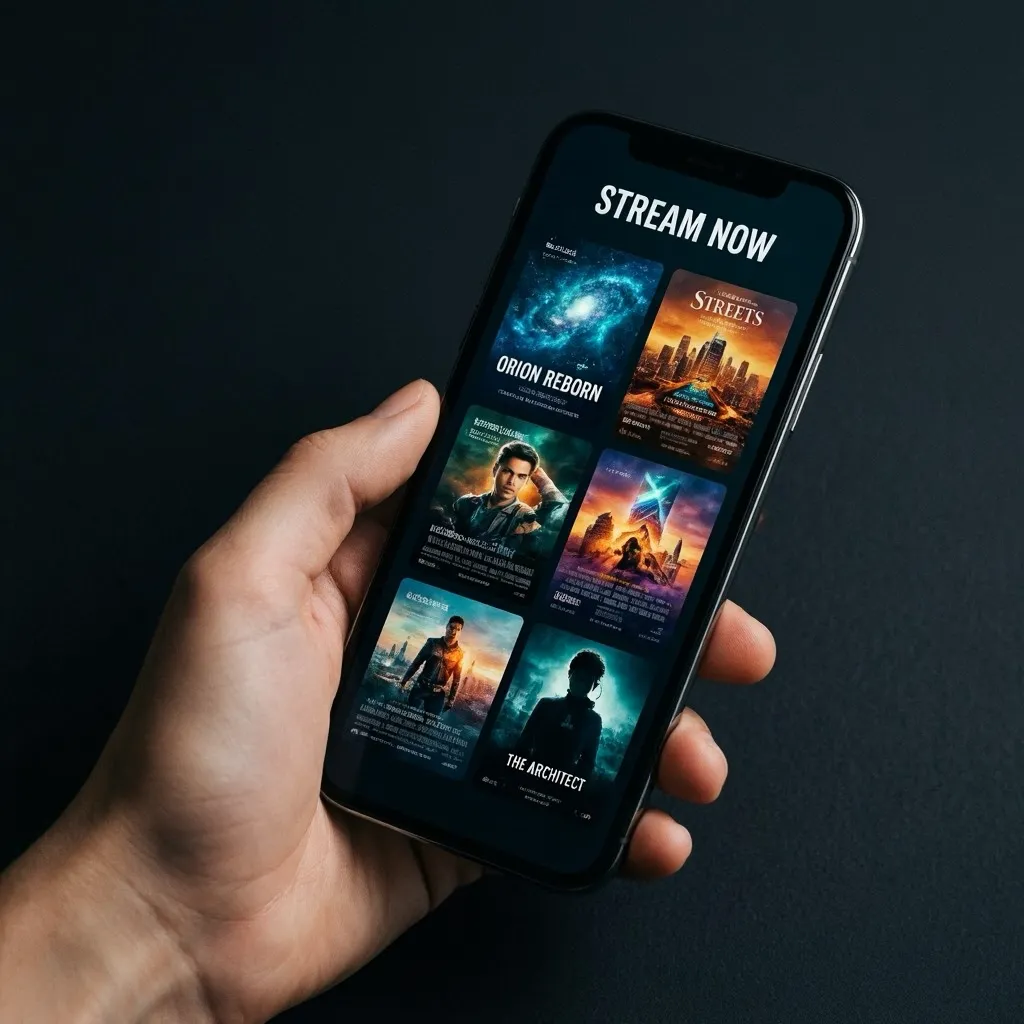
Before You Download: What to Look For
Not every app is worth the storage space on your device.
Before hitting that download button, check these three things:
- Rating of 4.0 or higher in the app store
- Number of reviews (more than 10,000 is a good sign)
- Last update date (should be within the past 60 days)
Any app that passes those three checks is worth trying.
How to Download on Android
Android is the most flexible platform for short drama apps.
Step 1: Open the Google Play Store
Tap the Play Store icon on your home screen.
If you do not have it, it is in your app drawer.
Step 2: Search for the App
In the search bar at the top, type the name of the app you want.
Recommended starting searches:
- ReelShort
- DramaBox
- FlexTV
- GoodShort
Step 3: Verify the App
Before installing, check:
- Developer name (ReelShort is by COL Group, DramaBox is by Yuangu Network)
- Rating and number of reviews
- Download count
Step 4: Tap Install
Hit the green Install button.
The app downloads and installs automatically.
For most apps, this takes under 30 seconds on a standard connection.
Step 5: Open and Create Your Account
Open the app and create a free account.
Do it before exploring the content so you can claim your new user bonus coins immediately.
Install ReelShort Right Now
Takes 30 seconds to install. Thousands of short episodes waiting. Free to start.


How to Download on iPhone (iOS)
The process on iPhone is slightly different but equally fast.
Step 1: Open the App Store
Tap the App Store icon on your home screen.
It is the blue icon with a white A on it.
Step 2: Tap the Search Tab
Tap Search at the bottom of the screen.
Type the app name in the search bar.
Step 3: Find the Right App
Look at the icon and developer name to confirm you have the right app.
Short drama apps have distinctive thumbnails with dramatic scenes or character photos.
Step 4: Tap Get
If the app is free, you will see a Get button.
Tap it, authenticate with Face ID or Touch ID, and the download starts.
Step 5: Sign Up Immediately
Open the app as soon as it finishes downloading.
Sign up with your email address to get the maximum new user bonus.
Signing up with social login sometimes results in fewer welcome coins.
DramaBox: Download in Seconds, Watch for Hours
Available on iPhone and Android. Start your first series in under 3 minutes from right now.
First Things to Do After Downloading
Most people make the mistake of jumping straight into content.
Do these things first:
- Complete your profile (triggers bonus coins in most apps)
- Allow notifications (they include daily coin alerts)
- Browse by genre before choosing your first series
- Bookmark three series you want to watch
- Spend your welcome coins on a series with over 100 episodes
That last point matters. Longer series keep you engaged longer and give you more time to accumulate daily free coins before finishing.
Downloading Short Drama Apps
1. Is it safe to download short drama apps from third-party websites?
No. Only download from the official Google Play Store or Apple App Store to avoid malware.
2. Do these apps require a Wi-Fi connection to download?
No, but using Wi-Fi for the initial download is recommended to avoid mobile data charges.
3. Will these apps drain my battery quickly?
Video streaming uses battery. Expect 10-15% battery use per hour of watching.
4. Can I download and delete the app without losing my account?
Yes. Your account and coin balance are stored on the server, not the device.
5. Are there parental controls available?
Some apps have content filters. Check settings after installation to configure appropriately.
6. Is there an APK version I can download directly?
Technically yes, but it is not recommended. Stick to official app stores for safety.
