

Most people think watching movies for free on their phone is complicated or risky.
It is neither.
With the right apps and a clear strategy, you can access tens of thousands of movies without spending a dollar.
This guide tells you exactly how.
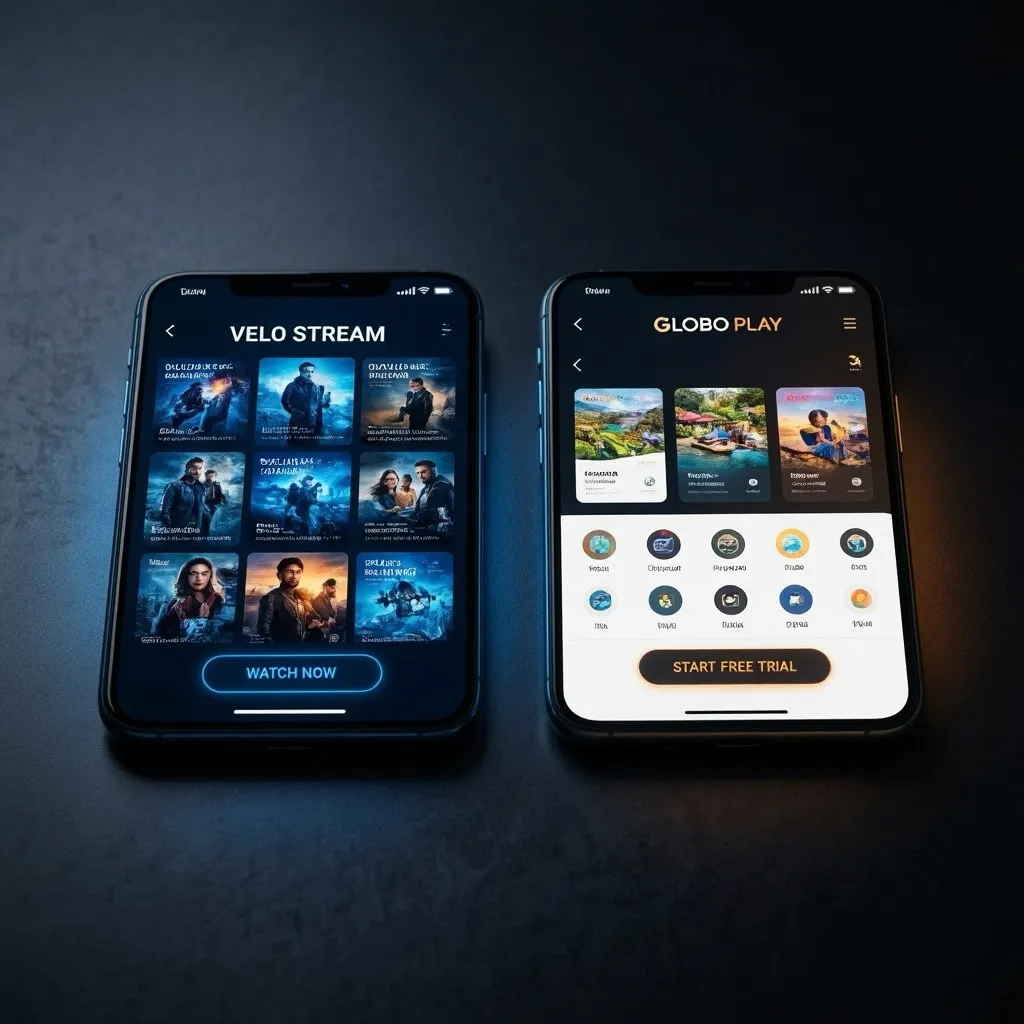
The Simple Truth About Free Movie Apps Nobody Talks About
The free streaming industry is now a multi-billion dollar market.
Platforms like Tubi, Pluto TV, and Plex are not scrappy side projects. They are backed by Fox Corporation, Paramount Global, and institutional investors.
They exist because advertising revenue funds them — and advertising revenue is substantial when millions of people are watching.
Your viewing is the product. Entertainment is the reward.
Step-by-Step: How to Set Up Your Free Movie System on Mobile
You do not need one perfect app. You need a smart combination of two or three.
Here is the system that works:
Step 1: Install Tubi TV for the broadest possible catalog coverage.
Step 2: Add Pluto TV for live channel browsing on days you feel like channel surfing.
Step 3: Set up Plex to manage your personal movie collection and access its free built-in catalog.
Step 4: Add YouTube to your rotation for its surprisingly large free movie section.
Step 5: Check Kanopy if you have a library card — it unlocks 30,000+ films at zero cost.
That is your complete free movie system. Zero subscriptions. Unlimited content.
The Hidden Free Movie Section You Are Probably Ignoring
YouTube has a full free movies section that most users scroll past without realizing it exists.
Navigate to youtube.com/movies or search “full movie free” within the app.
You will find hundreds of titles from legitimate studios, completely free with light ad support.
Films that used to cost money are now available there at no charge.
Tubi — Start Watching 50,000 Free Movies Now
No credit card. No subscription. No waiting. The world’s largest free movie catalog is ready on your phone.


How to Find the Best Movies in Each Free App
Every platform hides its best content differently.
Here is how to find it fast:
- Tubi: Filter by genre on the home screen. Check “New Arrivals” weekly.
- Pluto TV: Browse “Movies” in the sidebar. Try themed channels like Horror or Action 24/7.
- Plex: Navigate to “Movies and TV” from the main menu. Sort by rating.
- YouTube: Search “full free movie” with genre keywords for faster results.
- Kanopy: Use the “Curated Collections” section for editor-picked gems.
Knowing where to look saves 10 minutes of frustration every time you want to watch something.
How to Improve Video Quality on Mobile Without Paying More
Free does not have to mean blurry. These settings make a real difference:
- Switch to Wi-Fi whenever possible — the quality jump is immediate
- In app settings, set video quality to “Auto” for smart adaptive streaming
- Close background apps before playing to free up processing power
- Use headphones — audio quality dramatically affects perceived video quality
- Clean your camera lens if streaming feels muddy — yes, this actually matters
These five adjustments take under two minutes and noticeably improve every viewing session.
Full Comparison Table: How to Watch Any Movie Free on Your Phone
| Platform | Free Titles | Offline Mode | Sign-Up | Ads Per Hour | Best Genre | Works on Mobile |
|---|---|---|---|---|---|---|
| Tubi TV | 50,000+ | Yes (select) | Optional | 4–6 | Horror/Comedy | Yes |
| Pluto TV | 1,000+ VOD | No | Optional | 4–5 | Action/Thrillers | Yes |
| Plex Free | 500+ | No | Yes | 3–4 | Drama/Sci-Fi | Yes |
| YouTube Free | Hundreds | Yes | Optional | 3–5 | Mixed | Yes |
| Kanopy | 30,000+ | Yes | Library card | None | Art/Docs | Yes |
| Peacock Free | 800+ | No | Yes | 4–6 | Comedy/Drama | Yes |
Plex — Your Personal Cinema, Completely Free
Manage your personal film library plus access hundreds of free streaming titles. The most versatile free movie app available.
How to Watch Any Movie Free on Your Phone
1. What is the single best free movie app for phones?
Tubi TV is consistently the top recommendation due to its 50,000+ catalog, zero cost, and strong mobile performance.
2. Do I need to pay to access Kanopy?
No. Kanopy is funded by public libraries. A valid library card from a participating institution gives you full free access.
3. How do I find the free movie section on YouTube?
Open YouTube, tap the YouTube logo or navigate to youtube.com/movies. Filter by “Free” in the price options.
4. Can I watch free movies in 4K quality?
Yes. Vudu’s free tier and Plex offer some content in 4K HDR at no cost — though availability varies by title.
5. Is it safe to use my account details on these free apps?
Yes, provided you download from official app stores. Tubi and Pluto TV are owned by Fox and Paramount respectively — they are not security risks.
6. What if the free movie I want is not on any free platform?
Check all five apps before giving up. Many titles appear on one platform but not others. If it is genuinely unavailable for free, YouTube rental or Vudu digital rental usually offers the lowest per-title price.
7. Can I share my free streaming account with family?
Most free accounts allow multiple profiles or simultaneous streams, though policies vary per platform.
8. Is free streaming with ads going to replace subscriptions long-term?
Industry data strongly suggests yes. FAST (Free Ad-Supported Television) is the fastest growing segment in global streaming, expected to surpass subscription revenue in several markets by 2026.
